WhisperNotes
Local transcription with whisper.cpp: an OpenAI-compatible API for Home Assistant and Discord, a dashboard for long recordings and ready-made recaps for tabletop sessions.
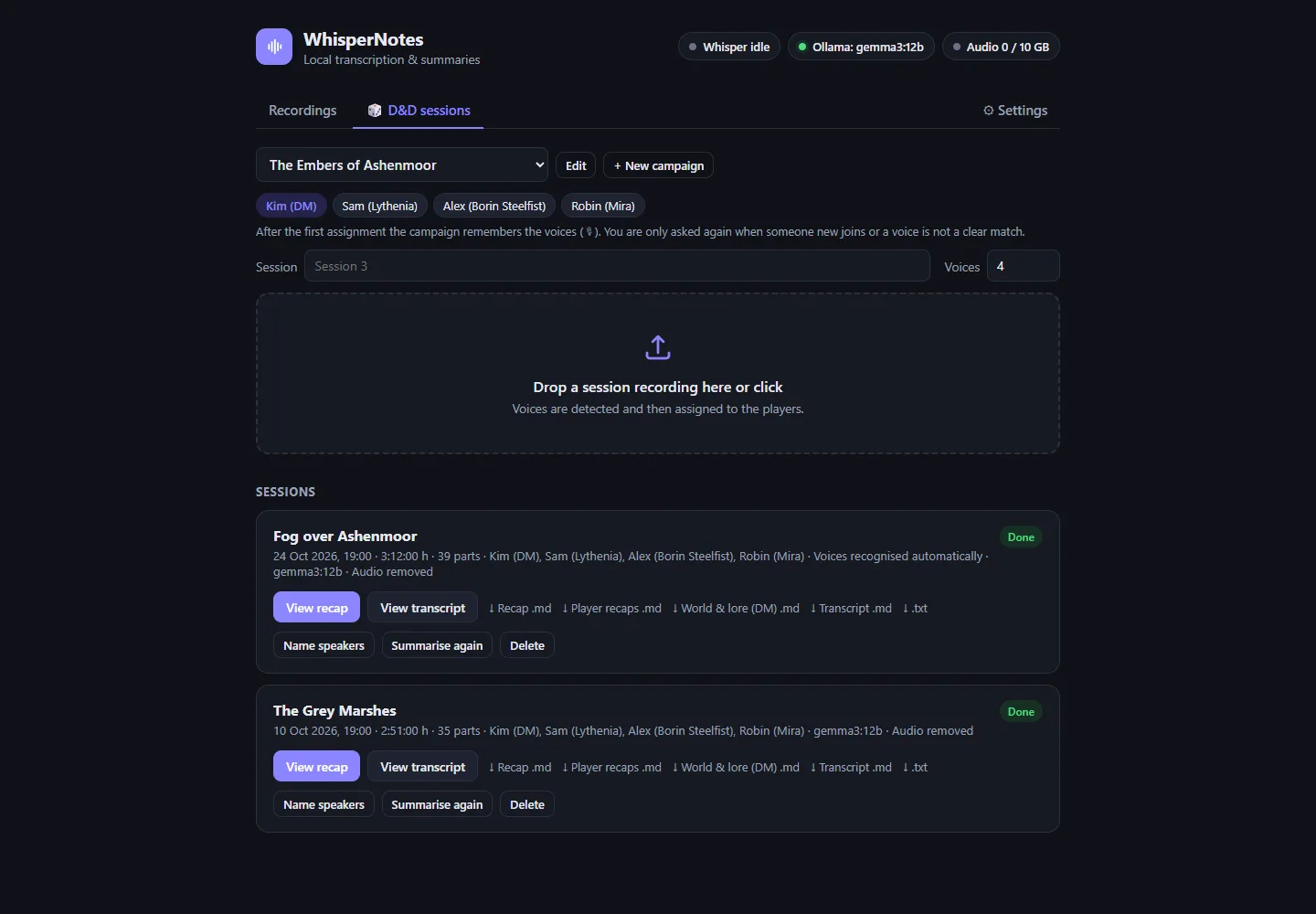
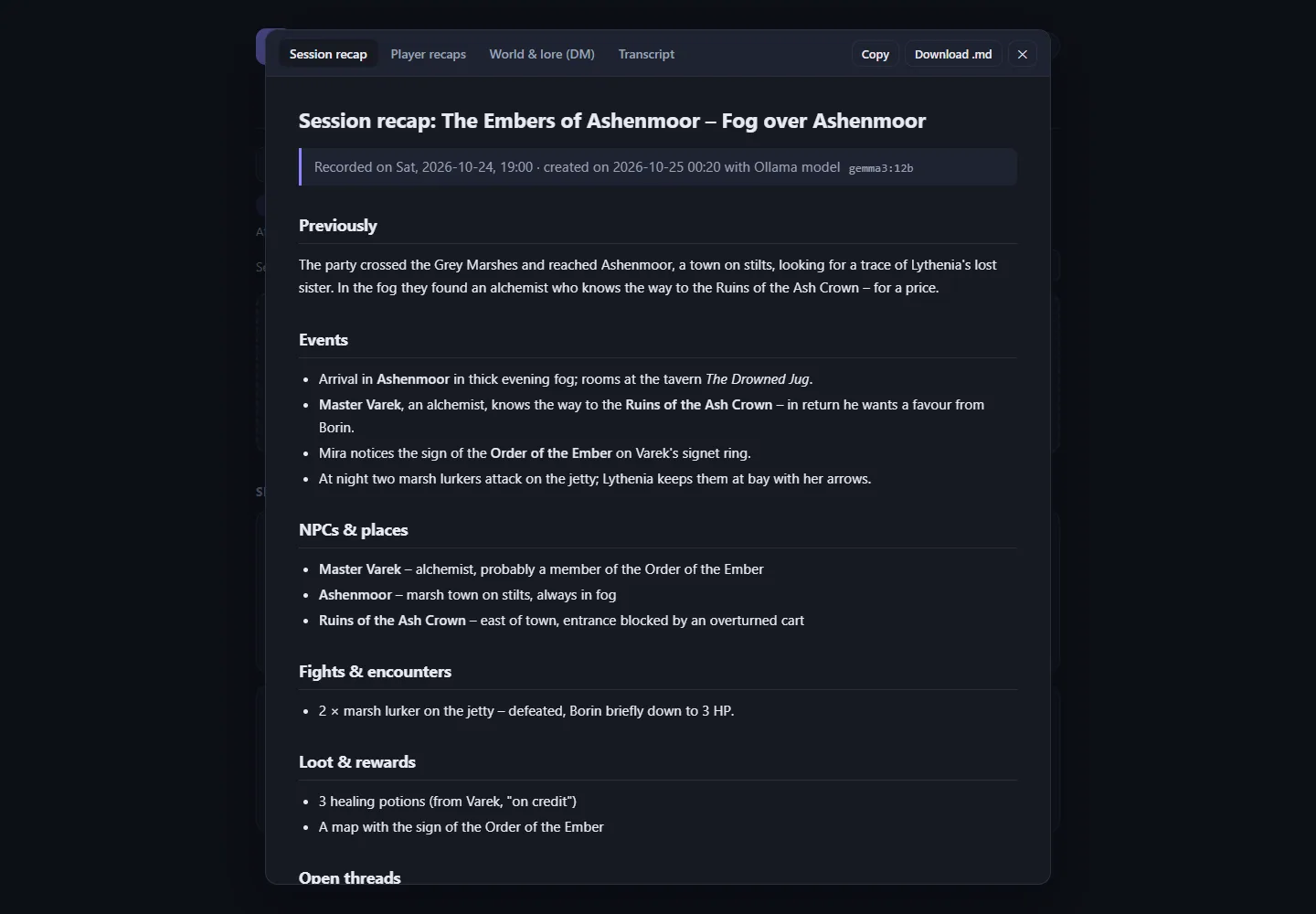
Three hours of play, one recap
The Discord bot records every person as a separate track. WhisperNotes transcribes everything, matches the voices to the characters and writes a recap with story, NPCs and places, fights, loot, open threads and the best quotes.
The recap of the last session feeds into the next summary, so the story stays consistent.
Features
OpenAI-compatible
/v1/audio/transcriptions for Home Assistant, scripts and the openai SDK.
Starts on demand
whisper-server starts on the first request and stops when idle, leaving memory free for language models.
Long recordings
Split automatically, transcribed and summarised via map-reduce, with live progress.
Speaker detection
sherpa-onnx or pyannote, name voices from audio samples, voice profiles per campaign.
Discord bot
Records the voice channel with one track per person, also with Discord's end-to-end encryption.
Glossary
Names from your world improve the spelling. The list can come straight from BasaltNotes.
German & English
Interface and recaps in both languages, optional API key for access from outside.
Working together
WhisperNotes is the ears of the family: it gets its language model from the OllamaProxy and sends finished recaps to BasaltNotes, where the AI curator files new NPCs, places and quests.
Quick start
git clone https://github.com/Poldion/WhisperNotes.git && cd WhisperNotes
cp docker/.env.example docker/.env && cp docker/whispernotes.env.example docker/whispernotes.env
mkdir -p docker/data
docker compose -f docker/compose.yml up -d --build   # AMD; for NVIDIA/CPU add compose.nvidia.yml or compose.cpu.yml
On a Mac: bash deploy/setup_mac.sh. Then open the dashboard at http://<host>:8000/dashboard/.